
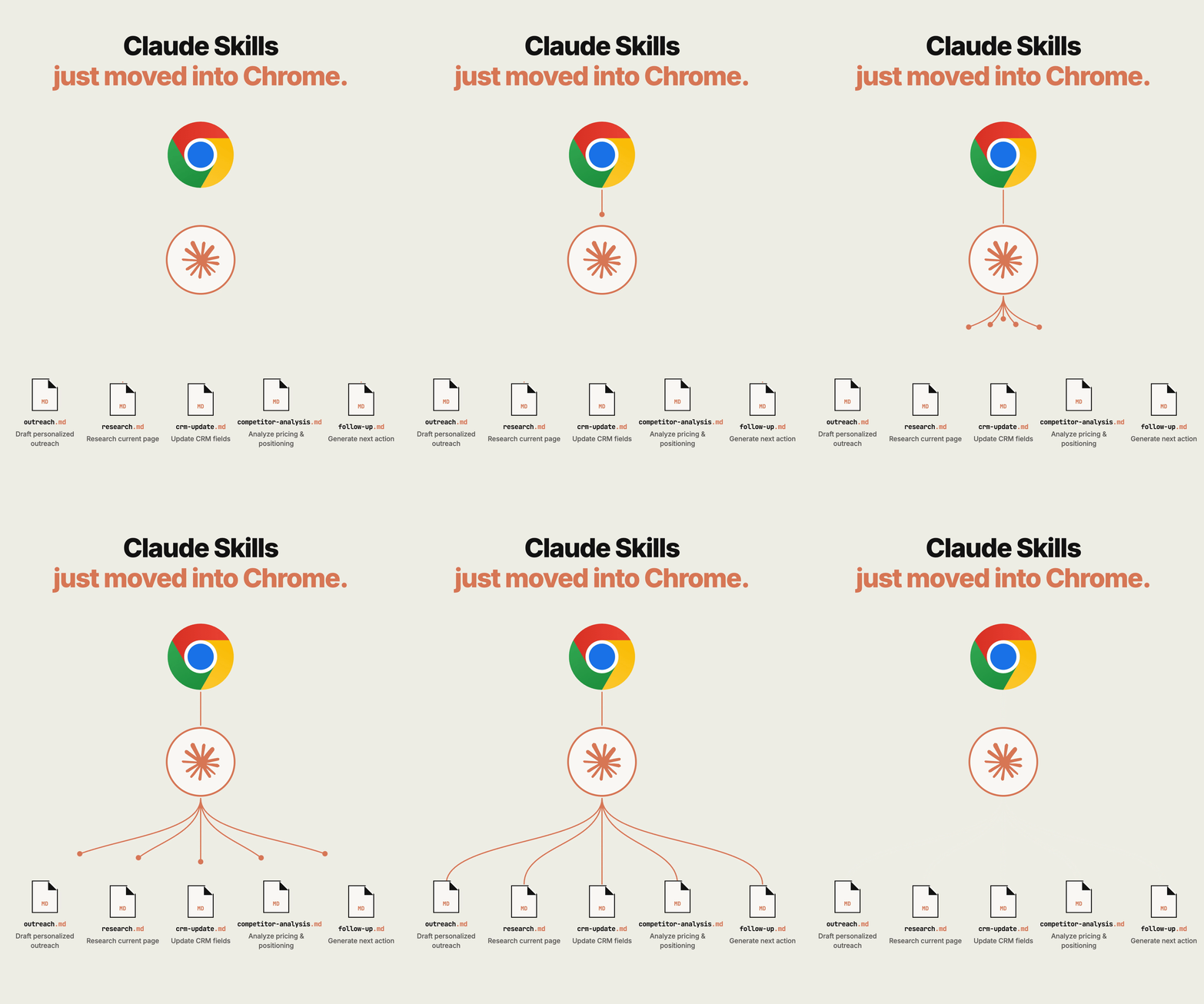
In a recent LinkedIn post, Yonathan Cohen discusses significant advancements in the integration of Claude, an AI assistant, with the Chrome browser, particularly focusing on how these changes can revolutionize sales workflows and productivity.
Cohen emphasizes that the browser extension has evolved from a separate, siloed tool to a fully integrated part of the user’s browsing experience. He notes the critical shift in functionality:
Now the side panel IS a Claude Cowork session. Your conversations are saved, your Skills and connectors work there, and the session follows you across Chrome, desktop, web, and mobile.
This integration, according to Cohen, means that Claude now has context about the user’s current activity within Chrome, a feature he argues is transformative for sales professionals.
Streamlined Prospect Engagement
Cohen highlights how this contextual awareness directly impacts how sales professionals interact with potential clients. By having Claude see the pages a user is viewing, the AI can proactively draft communications tailored to the specific context.
For instance, when a user is viewing a prospect’s profile or company page, Claude can leverage that information to draft outreach messages. Cohen explains the benefit:
your outreach Skill drafts the message from what’s on screen. No copy-paste, no context to re-explain.
This eliminates manual data transfer and ensures that initial communications are highly relevant and personalized, saving significant time and reducing the potential for errors.
Automating Website Analysis and Form Filling
Furthermore, Cohen points out the utility of Claude’s enhanced browser integration when dealing with a prospect’s website. The AI can now read and understand content directly from the page.
As Cohen illustrates:
Claude reads the pricing page you’re staring at and drafts the first line that mentions it.
This capability extends to more tedious tasks, such as filling out forms. Cohen suggests that Claude can now interact with web forms directly within the user’s session, using saved logins and information to complete them. He notes that this includes updating CRMs directly within their native environment, streamlining administrative burdens.
Continuous Workflow and Repetitive Task Automation
A key theme in Cohen’s analysis is the concept of a continuous, unbroken workflow. The integration ensures that a user’s Claude session persists across devices and platforms.
Cohen elaborates on this continuity:
start on a prospect’s page in Chrome, finish on your phone in the metro. Nothing restarts, nothing is lost.
This seamless transition is particularly valuable for sales professionals who may need to switch between desktop and mobile devices throughout the day. Additionally, Cohen points to the automation of repetitive weekly tasks. By scheduling a browser task once, Claude can automatically execute it on a recurring basis, freeing up valuable time for more strategic activities.
In summary, Yonathan Cohen’s insights underscore how Claude’s deeper integration with Chrome transforms it from a standalone AI tool into an indispensable, context-aware co-pilot for sales and other business professionals, driving efficiency through automation and enhanced personalization.
📝 About This Content
This article is based on insights shared by Yonathan Cohen on LinkedIn.
📅 Originally posted on August 17, 2026 | View original post on LinkedIn →