
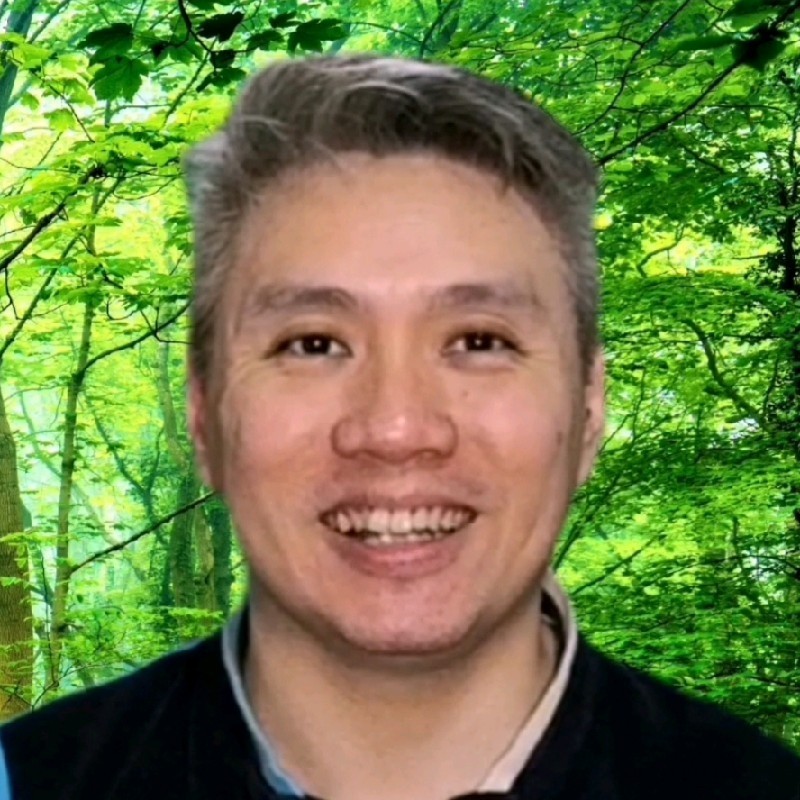
In a recent LinkedIn post, Choo Ann NGOH highlights the rapid and competitive nature of digital real estate, using the example of WhatsApp username reservations. NGOH shares a personal anecdote to underscore the urgency of securing these digital identities before they are claimed by others.
NGOH’s post begins with a relatable dialogue illustrating how quickly opportunities can be missed in the digital world:
“Papa, have you reserved your WhatsApp username? Err, no, have you? I tried to, but… it was already taken”
This exchange immediately sets the stage for NGOH’s central message: the “digital land grab is real, and it moves fast.” The author emphasizes that hesitation or procrastination can lead to valuable digital assets being claimed by someone else.
The Race for Digital Identity
Choo Ann NGOH details their own experience of trying to reserve a WhatsApp username, only to find it had already been taken. This personal account serves as a cautionary tale for followers, stressing that the digital landscape is highly competitive and requires prompt action.
As NGOH points out:
“Hearing this, I quickly tried to reserve my username. Alas, it was already too late. It was already reserved by someone else 😭”
This sentiment underscores the feeling of loss and missed opportunity that can arise from delaying action in the digital sphere. NGOH uses this to encourage a proactive approach to managing digital identities.
Actionable Advice for WhatsApp Users
To help others avoid a similar fate, Choo Ann NGOH provides a clear, step-by-step guide for Android users on how to reserve their WhatsApp username. This practical advice is a key takeaway from the post, empowering readers to take immediate action.
Securing Your Username on Android
According to NGOH, the process involves:
- Opening the WhatsApp application.
- Tapping the three dots in the top-right corner.
- Selecting ‘Settings’.
- Navigating to ‘Account’.
- Choosing ‘Username’ to secure it.
NGOH’s directive is unequivocal:
“Please do not procrastinate”
The author’s closing remark, “I did🤦♂️,” reinforces the personal regret associated with inaction, further motivating readers to follow the provided steps without delay. The post serves as a timely reminder from NGOH about the importance of staying vigilant and prompt in securing digital assets.
📝 About This Content
This article is based on insights shared by Choo Ann NGOH on LinkedIn.
📅 Originally posted on July 4, 2026 | View original post on LinkedIn →